
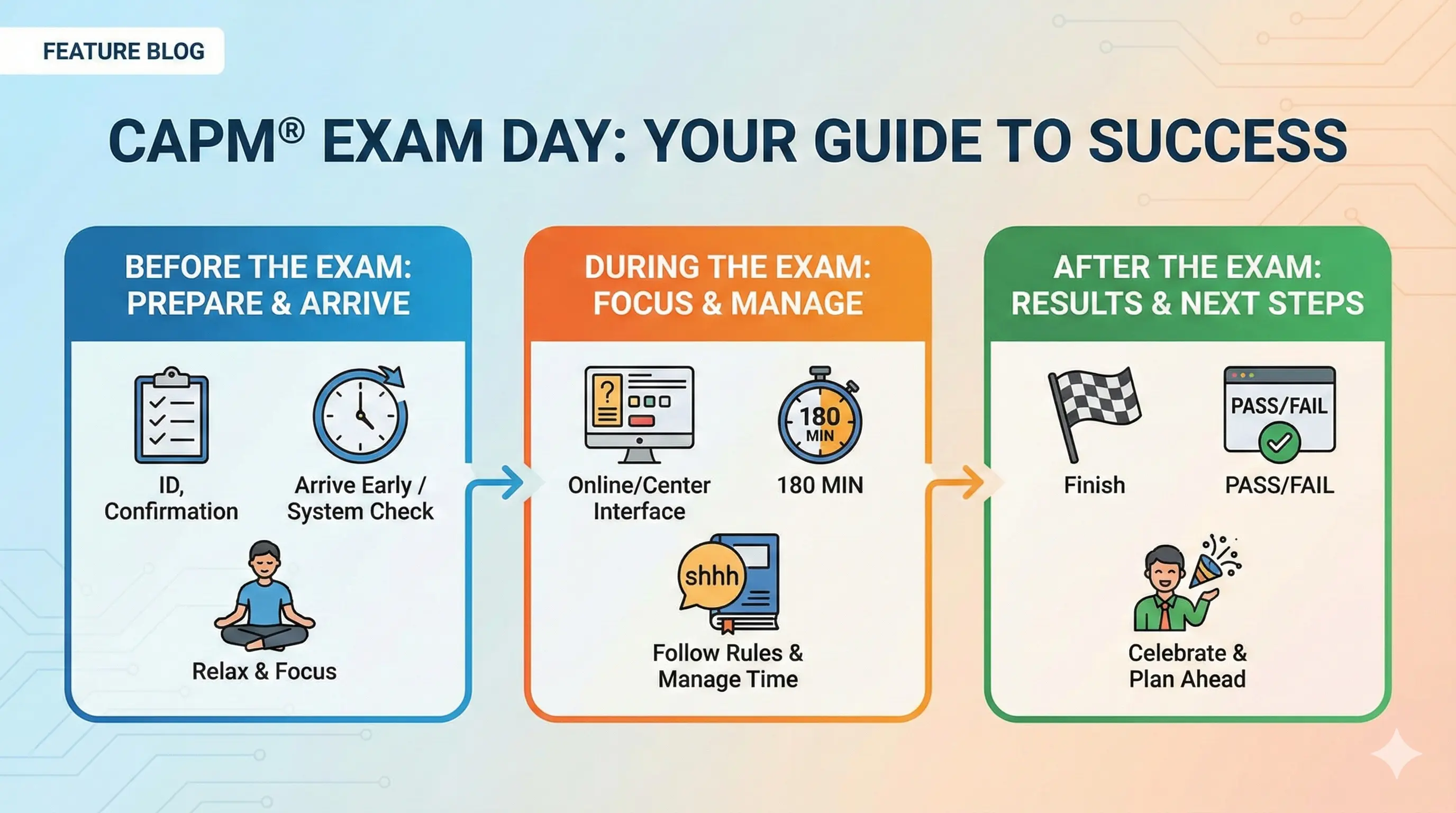
You've studied for weeks, answered hundreds of practice questions, and finally scheduled your exam. Now it's time to execute. Knowing exactly what happens on test day—from the night before through getting your results—removes uncertainty so you can focus entirely on demonstrating what you know.
This guide covers both test center and online proctoring experiences, plus strategies for staying calm and performing your best. For a complete overview of the certification, see our CAPM Certification Guide.
The Night Before
What you do in the final 24 hours matters more than most candidates realize. This isn't the time for cramming—it's the time for preparation and rest.
Light review only:
Resist the urge to cram new material. Your brain needs time to consolidate what you've already learned. Stick to:
- Reviewing flashcards or summary sheets you've already created
- Glancing through notes on your weakest areas
- Skimming key terms and definitions
If you don't know something by now, frantically studying it tonight won't help. Trust your preparation.
Prepare your materials:
For test center exams:
- Locate your valid government-issued ID (name must match your PMI registration exactly)
- Know your appointment time and test center address
- Plan your route and add buffer time for traffic or parking
For online proctored exams:
- Run the Pearson VUE system check one more time
- Clear your desk completely—nothing but your computer
- Test your webcam, microphone, and internet connection
- Close unnecessary applications and browser tabs
- Charge your laptop or ensure reliable power
Get real sleep:
Seven to eight hours of sleep does more for your performance than two extra hours of studying. Your brain processes and consolidates information during sleep. A well-rested mind recalls information faster, thinks more clearly, and manages stress better.
What not to do:
- Don't start any new study materials
- Don't take a full practice exam (too mentally draining)
- Don't stay up late reviewing
- Don't change your routine dramatically
Test Center Experience
If you're taking the exam at a Pearson VUE test center, here's exactly what to expect.
Arrival:
Arrive 30 minutes before your scheduled appointment time. Late arrivals may be turned away and forfeit their exam attempt. Use the extra time to:
- Find parking and locate the testing center
- Use the restroom
- Take a few deep breaths and get centered
What to bring:
- Valid government-issued ID with photo and signature (driver's license, passport, etc.)
- Your name on the ID must exactly match your PMI registration
- That's it—you won't need anything else
What NOT to bring:
Leave these in your car or at home:
- Phone, smartwatch, or any electronic devices
- Notes, books, or study materials
- Food or drinks (water bottles aren't allowed in the testing room)
- Jackets with large pockets (you may be asked to remove them)
Check-in process:
- Present your ID at the front desk
- Sign the testing center log
- Store personal belongings in a provided locker
- Empty your pockets for inspection
- Some centers photograph you or scan your palm for identification
- Receive a brief orientation on testing room rules
Testing room environment:
You'll be seated at a computer workstation in a quiet room with other test-takers (possibly taking different exams). The center provides:
- Noise-canceling headphones (optional, but helpful)
- Scratch paper or a small whiteboard for notes
- Basic calculator built into the exam software (if needed)
Proctors monitor the room via camera and may walk through periodically. Raise your hand if you need assistance.
Online Proctoring Experience
Taking the exam from home offers convenience, but requires more preparation on your end.
Environment requirements:
Your testing space must meet strict standards:
- Private room with a closed door
- Clear desk with nothing except your computer (no papers, books, phones, or second monitors)
- No one else can enter the room during the exam
- Quiet environment—no background noise or interruptions
- Plain walls preferred (no whiteboards with writing visible)
Technical requirements:
- Reliable computer with webcam and microphone
- Stable internet connection (wired preferred over WiFi)
- Supported browser (typically Chrome)
- No VPN or firewall restrictions that block the proctoring software
Check-in process:
- Log in 15-30 minutes before your appointment
- Download and run the Pearson VUE proctoring software
- Take photos of your ID using your webcam
- Take photos of yourself
- Perform a 360-degree room scan with your webcam
- Show your desk surface and under your desk
- A live proctor reviews your photos and environment
- Once approved, your exam begins
During online proctoring:
- A proctor monitors you via webcam and microphone throughout
- Don't talk aloud or read questions to yourself
- Keep your eyes on the screen—looking away repeatedly may flag a concern
- Don't leave the camera view for any reason during the exam
- If you need help, use the chat feature in the proctoring software
Technical issues:
If something goes wrong (internet drops, software crashes), stay calm. Contact Pearson VUE support immediately. Document what happened. Most technical issues can be resolved, and exams can be rescheduled if necessary.
During the Exam
The exam itself is 150 questions over three hours. Here's how to approach it strategically.
First few questions:
Don't panic if the first questions feel hard. PMI mixes question difficulty throughout the exam, and you might happen to start with challenging ones. Take each question on its own merits. One tough question doesn't predict the rest.
Pacing strategy:
With 180 minutes for 150 questions, you have 72 seconds per question on average. Use these checkpoints:
- Question 37: ~45 minutes elapsed
- Question 75 (break): ~90 minutes elapsed
- Question 112: ~135 minutes elapsed
- Question 150: ~180 minutes elapsed
If you're running behind, pick up the pace on questions you know well. If you're ahead, don't rush—use the time to think carefully.
The flag feature:
When you encounter a question you're unsure about:
- Make your best guess (never leave it blank)
- Flag the question for review
- Move on immediately—don't burn five minutes deliberating
After completing all 150 questions, you'll have time to return to flagged questions. Often, later questions jog your memory or provide context that helps.
The optional break:
After question 75, you can take a 10-minute break. The timer pauses—you won't lose exam time. Use the break to:
- Use the restroom
- Stretch and move your body
- Take a few deep breaths
- Reset mentally for the second half
Most candidates benefit from the break. The mental reset helps you finish strong. Don't skip it unless you're genuinely in a flow state and don't want to interrupt.
Final review:
If you finish with time remaining, review your flagged questions first. Then, if time permits, scan through other questions—but don't second-guess yourself without good reason. Your first instinct is usually correct unless you misread the question.
After You Finish
When you've answered all questions and completed any review, you'll end the exam.
Immediate results:
At the test center, you'll receive a printed preliminary result before you leave—either "Pass" or "Did not pass." For online proctoring, results typically appear on screen immediately after submission.
This preliminary result is accurate. If it says you passed, you passed.
Official score report:
Within a few days, your official score report will be available in your PMI account. The report shows:
- Pass/fail status
- Your performance in each domain (above target, target, below target, needs improvement)
- No specific percentage or point score
If you passed:
Congratulations! Your CAPM certification is typically reflected in your PMI account within a week. You can:
- Update your resume and LinkedIn with your new credential
- Use the CAPM designation after your name
- Download your digital certificate and badge
If you didn't pass:
Don't panic. You have two more attempts within your one-year eligibility window. Review your score report to identify weak domains, adjust your study plan accordingly, and reschedule when you're ready. Many successful CAPM holders didn't pass on their first attempt.
You're Ready
Trust your preparation. You've studied the material, practiced the questions, and learned the format. Now it's about execution—staying calm, managing your time, and demonstrating what you know.
For a refresher on what question types you'll see, review CAPM Exam Format. If you want to adjust your study approach before test day, revisit our CAPM Study Plan.
One final confidence boost before your exam? Take a few more practice questions on PM Drills to reinforce what you know.
Post Summary:
CAPM exam day success starts the night before with light review and good sleep. At test centers, arrive 30 minutes early with valid ID. For online proctoring, ensure a clear desk, quiet room, and stable technology. During the exam, pace yourself at 72 seconds per question, use the flag feature for uncertain answers, and take the optional break at question 75. Results are immediate—pass or fail.