
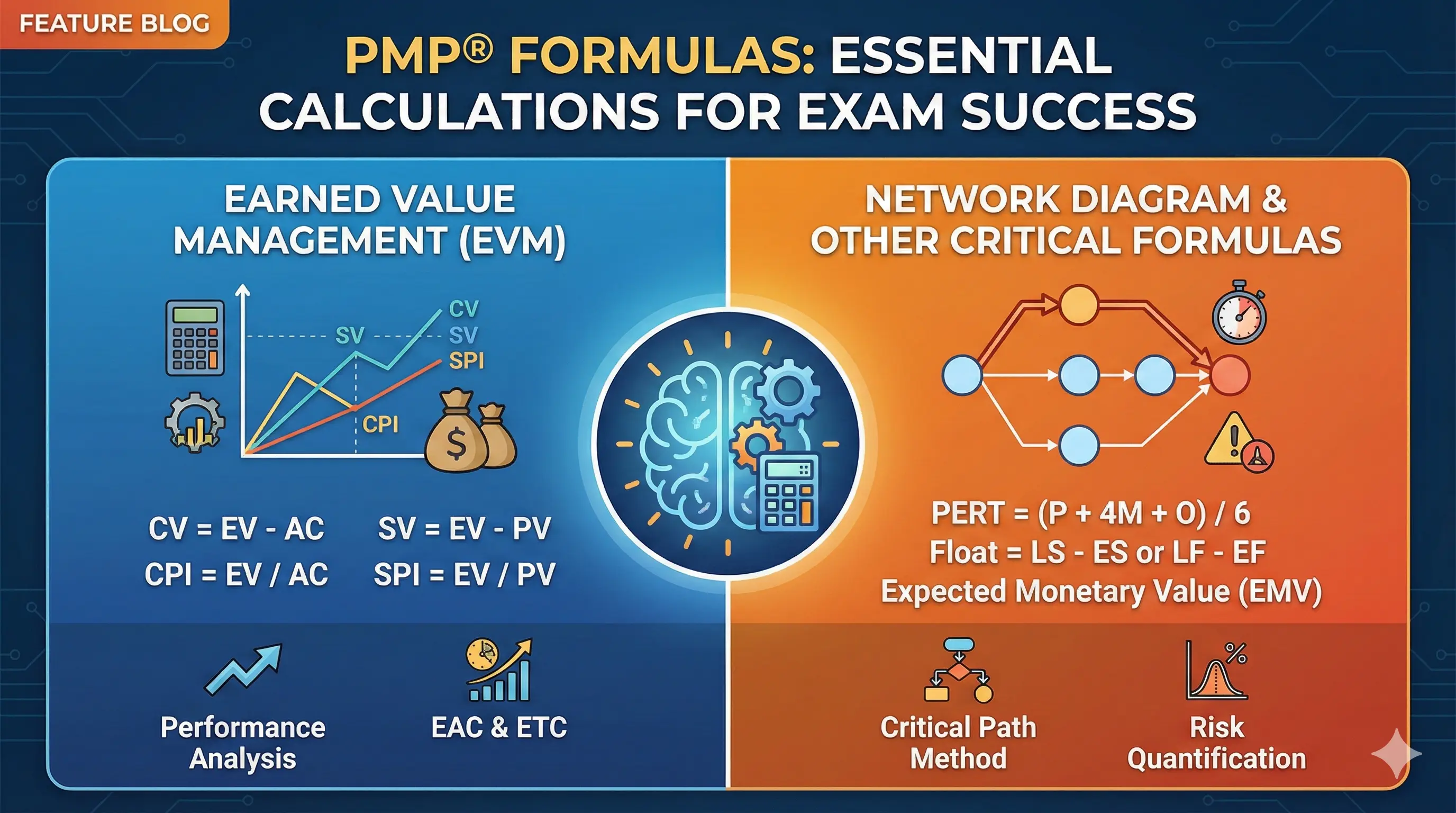
The PMP exam includes calculations—not as many as in previous versions, but enough that you can't ignore them. Understanding formulas isn't just about plugging numbers; it's about interpreting results and knowing what they mean for project decisions.
This guide covers the essential formulas you'll encounter, with explanations of when and how to apply them. Memorize the formulas, but more importantly, understand what they tell you. For a complete overview of the certification, see our PMP Certification Guide.
How Formulas Appear on the Exam
The PMP exam has evolved. Earlier versions featured more straightforward calculation questions. Today's exam emphasizes scenario-based application over pure math.
What to expect:
- Approximately 10-15 questions may involve calculations or formula interpretation
- Questions are scenario-based, not just "calculate X given Y"
- You'll need to interpret results, not just compute them
- Some questions test whether you know which formula applies, without requiring calculation
Example scenario:
Rather than "Calculate CPI given EV = $50,000 and AC = $55,000," you might see:
"Your project has earned $50,000 worth of work but spent $55,000. The sponsor asks if the project will finish within budget if current trends continue. What should you tell them?"
This tests whether you understand that CPI < 1 means over budget and what that implies for forecasting—not just whether you can divide two numbers.
The on-screen calculator:
A basic calculator is available during the exam. You won't need to do complex arithmetic in your head. The challenge is knowing which formula to use and what the result means.
Brain dump strategy:
Many candidates write down key formulas on their scratch paper immediately after the exam begins—before answering any questions. This "brain dump" reduces cognitive load during the exam. You reference your notes rather than trying to recall formulas under pressure.
Earned Value Management (EVM) Formulas
EVM is the heart of PMP calculations. These formulas measure project performance by comparing planned work, completed work, and actual costs.
The three foundational values:
Planned Value (PV): Budgeted cost of work scheduled to be done. Answers: "How much work should we have done by now (in budget terms)?"
Earned Value (EV): Budgeted cost of work actually completed. Answers: "How much work have we actually completed (in budget terms)?"
Actual Cost (AC): Actual cost of work completed. Answers: "How much have we actually spent?"
EV is the key metric. It translates physical progress into financial terms using the original budget. If you budgeted $10,000 to build a wall and the wall is 50% complete, your EV is $5,000—regardless of what you've actually spent.
Variance formulas:
Variances tell you whether you're ahead or behind.
Schedule Variance (SV)
- Formula: SV = EV - PV
- Interpretation: Positive = ahead of schedule; Negative = behind schedule
Cost Variance (CV)
- Formula: CV = EV - AC
- Interpretation: Positive = under budget; Negative = over budget
Memory trick: Both variance formulas start with EV. SV compares to Plan (PV). CV compares to Cost (AC).
Example:
- PV = $100,000 (planned to complete $100K of work by now)
- EV = $90,000 (actually completed $90K of work)
- AC = $95,000 (actually spent $95K)
SV = $90,000 - $100,000 = -$10,000 → Behind schedule
CV = $90,000 - $95,000 = -$5,000 → Over budget
Performance index formulas:
Indices express performance as ratios—easier to compare across projects of different sizes.
Schedule Performance Index (SPI)
- Formula: SPI = EV / PV
- Interpretation: Greater than 1 = ahead of schedule; Less than 1 = behind schedule; Equal to 1 = on schedule
Cost Performance Index (CPI)
- Formula: CPI = EV / AC
- Interpretation: Greater than 1 = under budget; Less than 1 = over budget; Equal to 1 = on budget
Memory trick: Both index formulas have EV on top. SPI divides by Plan (PV). CPI divides by Cost (AC).
Example (same data):
- SPI = $90,000 / $100,000 = 0.90 → Getting 90 cents of work for every dollar of time planned
- CPI = $90,000 / $95,000 = 0.95 → Getting 95 cents of value for every dollar spent
Interpreting indices:
- SPI of 0.90 means you're working at 90% efficiency against the schedule
- CPI of 0.95 means you're getting 95 cents of value per dollar spent
- Both being below 1.0 indicates a troubled project
Exam tip: Questions often ask what an index value means, not just how to calculate it. Know that CPI < 1 is bad (over budget) and SPI < 1 is bad (behind schedule).
Forecasting Formulas
Forecasting uses current performance to predict final outcomes. These formulas answer: "If things continue this way, where will we end up?"
Budget at Completion (BAC):
BAC is simply your total project budget—what you planned to spend overall. It's not calculated; it's given.
Estimate at Completion (EAC):
EAC predicts what the project will actually cost when finished. There are multiple formulas depending on assumptions:
When current variances are typical (most common):
- Formula: EAC = BAC / CPI
- Use when: Future work will have same cost efficiency as current work
When current variances are atypical:
- Formula: EAC = AC + (BAC - EV)
- Use when: Future work will go as originally planned
When a new estimate is needed:
- Formula: EAC = AC + ETC
- Use when: You've created a fresh bottom-up estimate
When considering both cost and schedule:
- Formula: EAC = AC + [(BAC - EV) / (CPI × SPI)]
- Use when: Both indices affect remaining work
Most common formula: EAC = BAC / CPI
This assumes your current cost performance will continue. If CPI = 0.95 and BAC = $200,000:
EAC = $200,000 / 0.95 = $210,526
You'll likely overspend by about $10,500 if trends continue.
Estimate to Complete (ETC):
ETC predicts how much more you'll spend to finish from this point forward.
Based on current performance: ETC = EAC - AC
Based on new estimate: ETC = New bottom-up estimate
Variance at Completion (VAC):
VAC predicts whether you'll finish over or under your original budget.
Formula: VAC = BAC - EAC
- Positive VAC = projected to finish under budget
- Negative VAC = projected to finish over budget
To-Complete Performance Index (TCPI):
TCPI tells you what cost efficiency you need for the remaining work to meet a target.
To meet original budget (BAC): TCPI = (BAC - EV) / (BAC - AC)
To meet new estimate (EAC): TCPI = (BAC - EV) / (EAC - AC)
If TCPI > 1, you need to improve efficiency to meet the target.
If TCPI > CPI, the target may be unrealistic given current performance.
Example:
You need a TCPI of 1.15 to meet the original budget, but your current CPI is 0.95. Meeting the original budget requires a dramatic performance improvement—probably unrealistic.
Communication Channels Formula
This formula calculates how many communication pathways exist in a project team.
Formula: Communication Channels = n(n-1) / 2
Where n = number of people
Example:
A team of 10 people has: 10(10-1) / 2 = 10(9) / 2 = 45 communication channels
Why it matters:
Communication complexity grows exponentially with team size. Adding one person doesn't add one channel—it adds channels to everyone else.
- 5 people = 10 channels
- 10 people = 45 channels
- 15 people = 105 channels
- 20 people = 190 channels
This explains why large teams become difficult to coordinate and why breaking into smaller teams improves communication.
Exam application:
Questions might ask:
- How many channels exist in a team of X people?
- If you add 2 people to a team of 8, how many new channels are created?
- Why does the PM need a communication management plan?
For "new channels" questions: Calculate channels before, calculate channels after, subtract.
PERT Estimating Formulas
PERT (Program Evaluation and Review Technique) uses three estimates to account for uncertainty.
The three-point estimate:
- O = Optimistic estimate (best case)
- M = Most likely estimate (normal conditions)
- P = Pessimistic estimate (worst case)
PERT weighted average (beta distribution):
Formula: Expected Duration = (O + 4M + P) / 6
This weights the most likely estimate four times more heavily than the extremes.
Example:
- Optimistic: 4 days
- Most likely: 6 days
- Pessimistic: 14 days
Expected = (4 + 4(6) + 14) / 6 = (4 + 24 + 14) / 6 = 42 / 6 = 7 days
Standard deviation:
Formula: Standard Deviation = (P - O) / 6
This measures the uncertainty range. Larger standard deviation = more uncertainty.
From the example above:
SD = (14 - 4) / 6 = 10 / 6 = 1.67 days
Triangular distribution (simpler alternative):
Formula: Simple Average = (O + M + P) / 3
This gives equal weight to all three estimates. Less common on the exam but worth knowing.
Exam application:
Questions might:
- Give three estimates and ask for expected duration
- Ask about the probability of completing within a certain timeframe (using standard deviation)
- Test whether you know when PERT is appropriate (high uncertainty situations)
Other Useful Formulas
Several additional concepts occasionally appear on the exam.
Float/Slack:
Formula: Float = LS - ES = LF - EF
Where:
- ES = Early Start
- LS = Late Start
- EF = Early Finish
- LF = Late Finish
Float measures scheduling flexibility. Zero float means the activity is on the critical path.
Present Value (PV):
Formula: PV = FV / (1 + r)^n
Where:
- FV = Future Value
- r = Interest/discount rate
- n = Number of periods
Present value helps compare projects with different cash flow timings. Money today is worth more than money in the future.
Return on Investment (ROI):
Formula: ROI = (Net Profit / Cost of Investment) × 100
Higher ROI = better return relative to investment.
Benefit-Cost Ratio (BCR):
Formula: BCR = Benefits / Costs
- BCR > 1 = Benefits exceed costs (good)
- BCR < 1 = Costs exceed benefits (bad)
Payback Period:
Formula: Payback Period = Initial Investment / Periodic Cash Flow
How long until the investment pays for itself. Shorter is generally better.
Study Tips for Formulas
Create a formula sheet:
Write all formulas on one page. Review it daily during your study period. On exam day, reproduce it from memory on your scratch paper before starting questions.
Practice interpretation, not just calculation:
For every formula you learn, ask yourself:
- What does this tell me about the project?
- What decisions would this information inform?
- What does a positive/negative or >1/<1 result mean?
Focus on EVM:
If you have limited time, prioritize Earned Value Management. These formulas appear most frequently and connect to many project scenarios.
Understand the "why":
Don't just memorize that CPI = EV/AC. Understand that it measures cost efficiency—how much value you're getting per dollar spent. When you understand the concept, the formula makes sense.
Practice with realistic questions:
Work through scenarios where you must identify which formula applies, not just calculate a given formula. The exam tests judgment as much as math.
For structured study approaches, see our PMP Study Plan guide. To understand how formulas fit into the broader exam, review the PMP Exam Domains.
Ready to practice applying these formulas in realistic scenarios? Start with PM Drills and build confidence in EVM and beyond.